24/7 rerun channels on Twitch
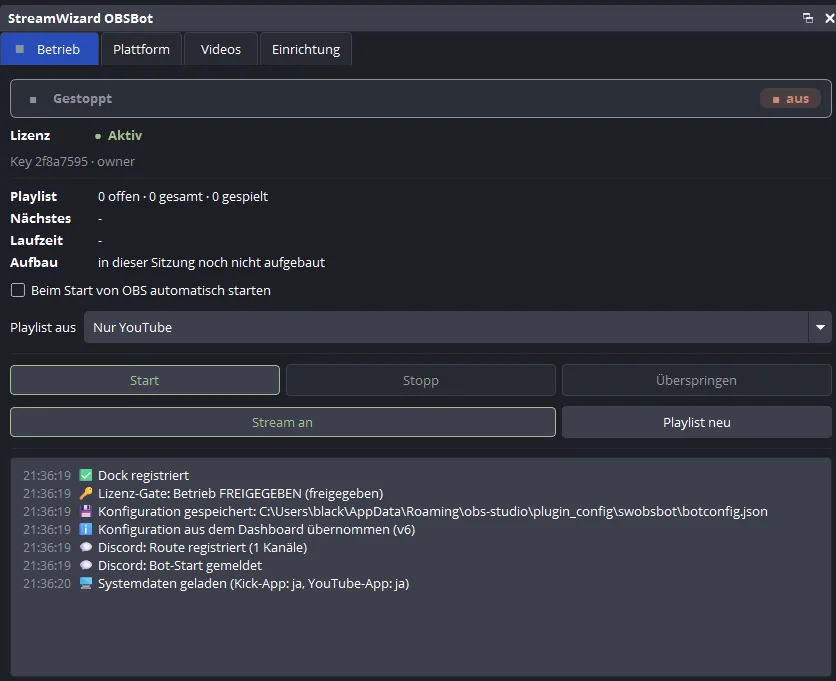
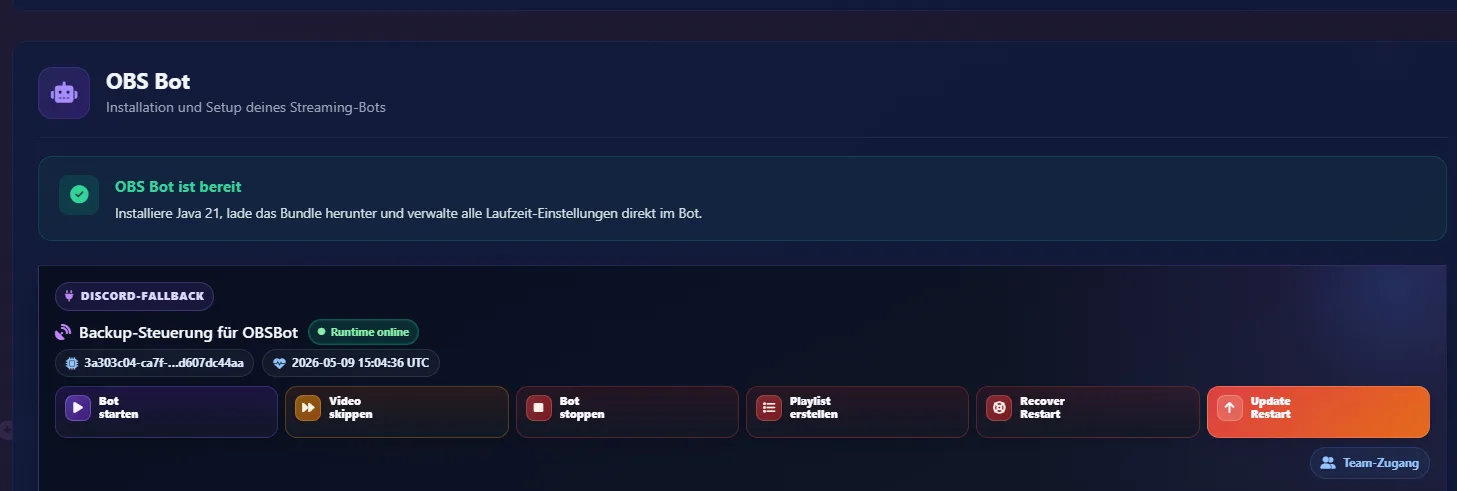
If your channel is meant to broadcast highlights, lets plays, or archive material around the clock, OBSBot handles playlist rotation, title announcements in chat, token refresh, and automatic recovery in the background.
Your channel broadcasts around the clock, even when you are away from the desk: automatic playlists, OBS control, and self-healing when something stalls. And your viewers' watchtime, subs, and support turn into real chances to win.
One 7-day free trial, no payment details. The trial ends automatically and never turns into a subscription. Then €14.99 per month, cancelable monthly – or VIP at €130 per year. Final prices; as a small business under § 19 UStG, VAT is not shown separately.
Windows • Linux • macOS • x64 & ARM • German • English
Ready in minutes: sign in with Discord, click through the setup, follow the guided installation. Giveaways, community prizes, and viewer statistics all run inside the dashboard – no extra bot download. See how it works in detail
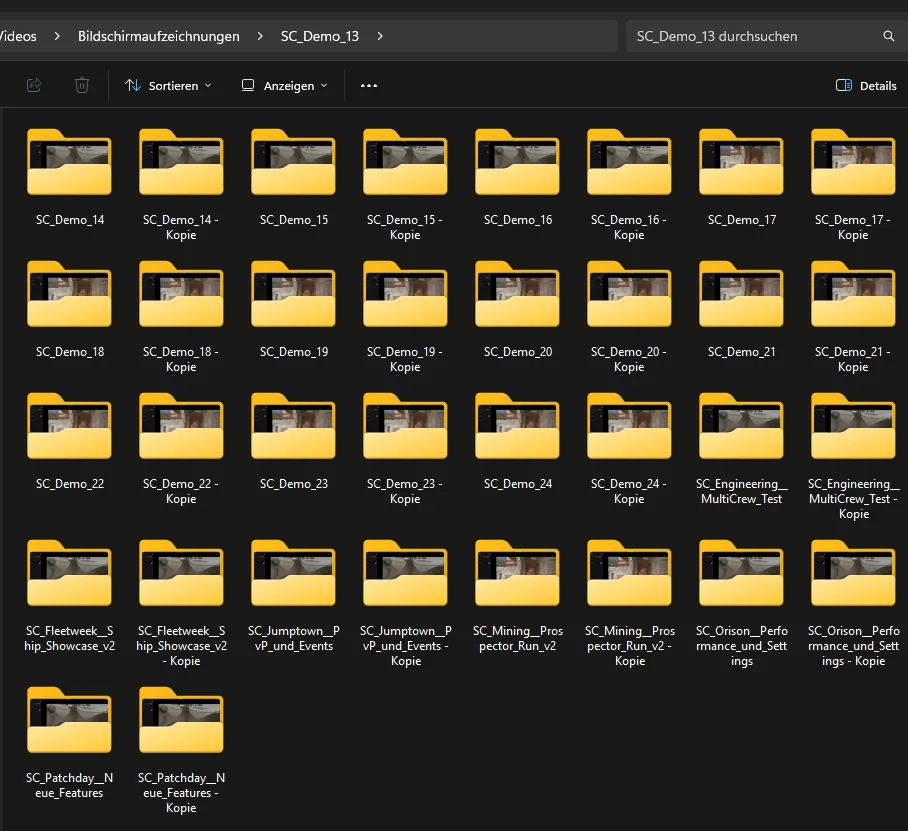
OBSBot works with a fixed root video directory that contains your folders with the respective videos. From that, the bot automatically creates rotating playlists, includes local videos as well as embedded YouTube videos (played through YouTube's official embedded player in a browser source; if the video exists locally as a file, the file takes precedence), and feeds the content into OBS. On Twitch and Kick you also get chat integration, while all other platforms continue through OBS without chat integration. At the same time, Discord control, the web frontend, token status, logs, updates, and recovery stay aligned in one clean 24/7 workflow.
The giveaway system bundles two independent sub-systems in the same dashboard. The streamstats draws have their own draw engine based on watchtime, sub tier, tickets, and points - creators use it to draw among their top X supporters. The community raffle is fully separated from this: viewers submit prizes via the Discord forum, mods approve them, the community builds its own weekly participant list via !schleuder and wins approved community prizes via !sternenschleuder.
Both sub-systems run inside the StreamWizard dashboard: no local bot download, one instance per account. Included in the 7-day trial without payment details and afterwards in Premium (€14.99 per month, cancelable monthly) and in VIP (€130 for twelve months) – no surcharge, no add-on package. Final prices; as a small business under § 19 UStG, VAT is not shown separately.
A local Windows app (CaptionBridge) listens to your stream audio and recognizes your SPOKEN language directly on your streaming PC - so it translates speech, not text and not chat. You have two translation paths: a separate worker translates server-side with your own AI key (Claude, OpenAI, DeepL, Gemini) - or CaptionBridge translates entirely locally on your PC, with no cloud key at all. You can display the captions in two ways: viewers pick their language themselves in the Twitch extension - and you can fetch the translated lower-third locally in your web browser and show it as a browser source in OBS & co, independent of Twitch.
For stable live operation with fewer manual interventions.
Your videos run in sequence, repetition stays less predictable, and every new round gets a fresh order.
The bot monitors OBS, network, and Twitch state so freezes or connection issues do not silently stop the stream.
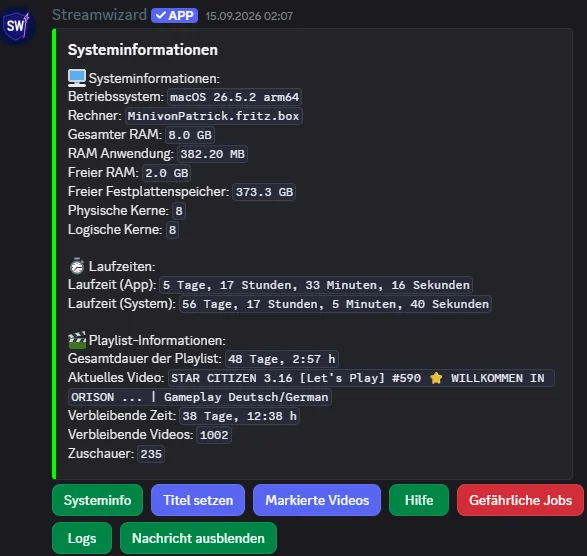
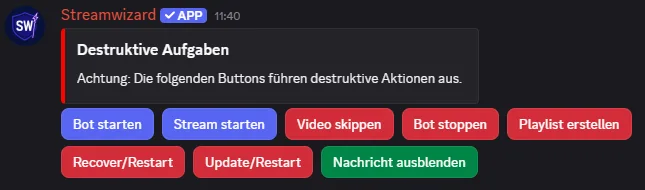
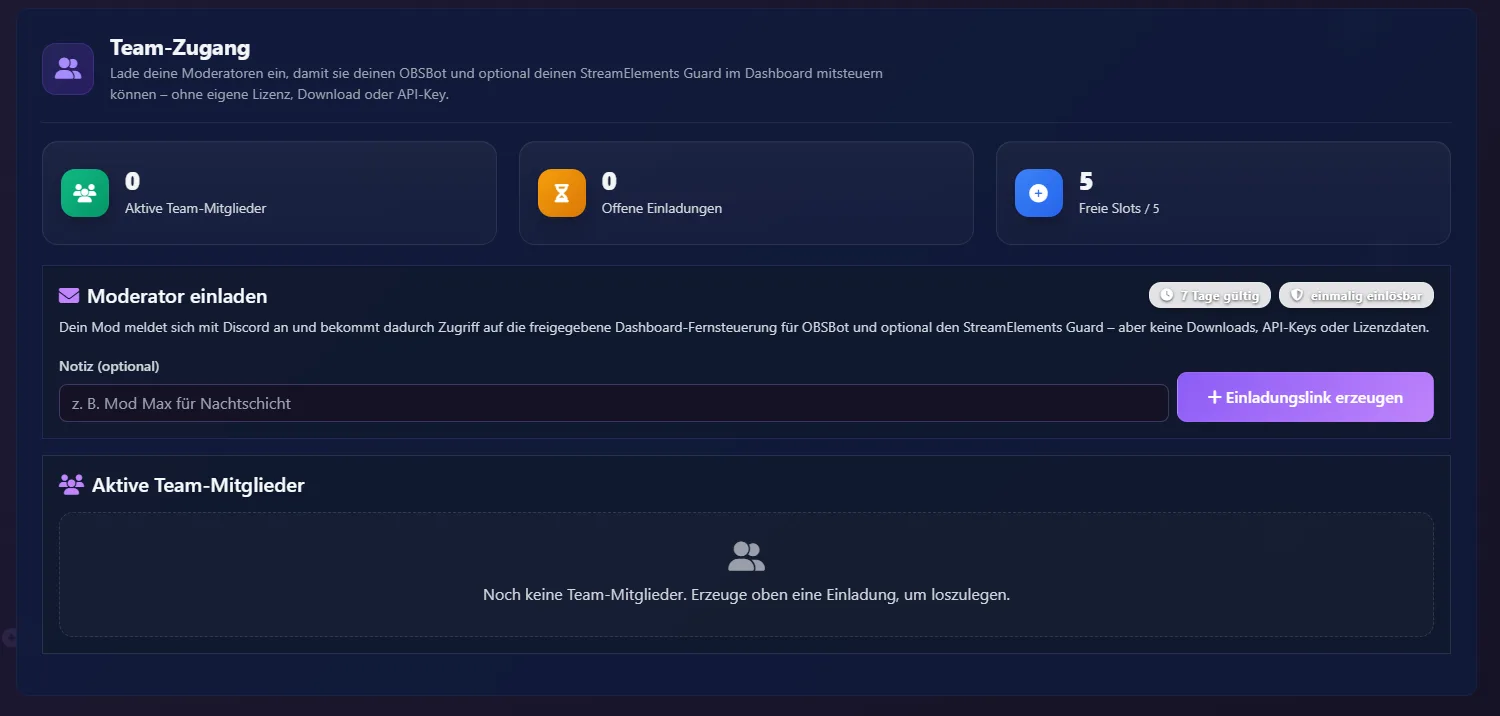
Your mods control things from Discord with commands and buttons, check status, and react quickly without logging into the host.
For every video the bot announces the title in chat - StreamElements turns it into the stream title. Automatic token refresh keeps authentication current at all times.
The key steps from setup to a running 24/7 stream.
Run the install command once, enter the license key in the OBS dock, and set the video folder and Twitch authentication. After that the technical setup is ready and the plugin can start working.
At startup, StreamWizard scans your videos, builds the playlist, and takes over OBS playback fully automatically.
Mods can see the current status, use commands or buttons, and step in directly when needed. At the same time, the community can help decide through vote skip.
On failures, the bot refreshes tokens, reconnects services, restarts components, and keeps the stream alive without constant supervision.
The core functions that keep 24/7 stream operation stable.
Your videos play one after another. When the playlist ends, it is reshuffled — every round with a different order.
StreamWizard controls OBS directly: switching sources, starting playback, and loading the next piece of content without manual OBS intervention.
If something goes wrong, monitoring, recovery, and reconnects step in automatically so your stream does not silently die.
Status checks, restarts, and interventions run through Discord. Your mods do not need direct access to the streaming system for that.
The bot announces in chat what is currently running - StreamElements turns that into the Twitch title. It refreshes the Twitch token in the background before it becomes a problem.
Your viewers can vote in Twitch chat on whether to skip a video. That creates real interaction in an automated always-on stream.
Three typical setups where OBSBot shows its value immediately.
If your channel is meant to broadcast highlights, lets plays, or archive material around the clock, OBSBot handles playlist rotation, title announcements in chat, token refresh, and automatic recovery in the background.
If mods should control the stream without direct server access, Discord commands and buttons work as a remote control while vote skip remains a visible chat interaction.
If your stream must stay stable without constant supervision, monitoring, reconnects, and recovery are the difference between a simple OBS script and a real OBSBot for continuous operation.
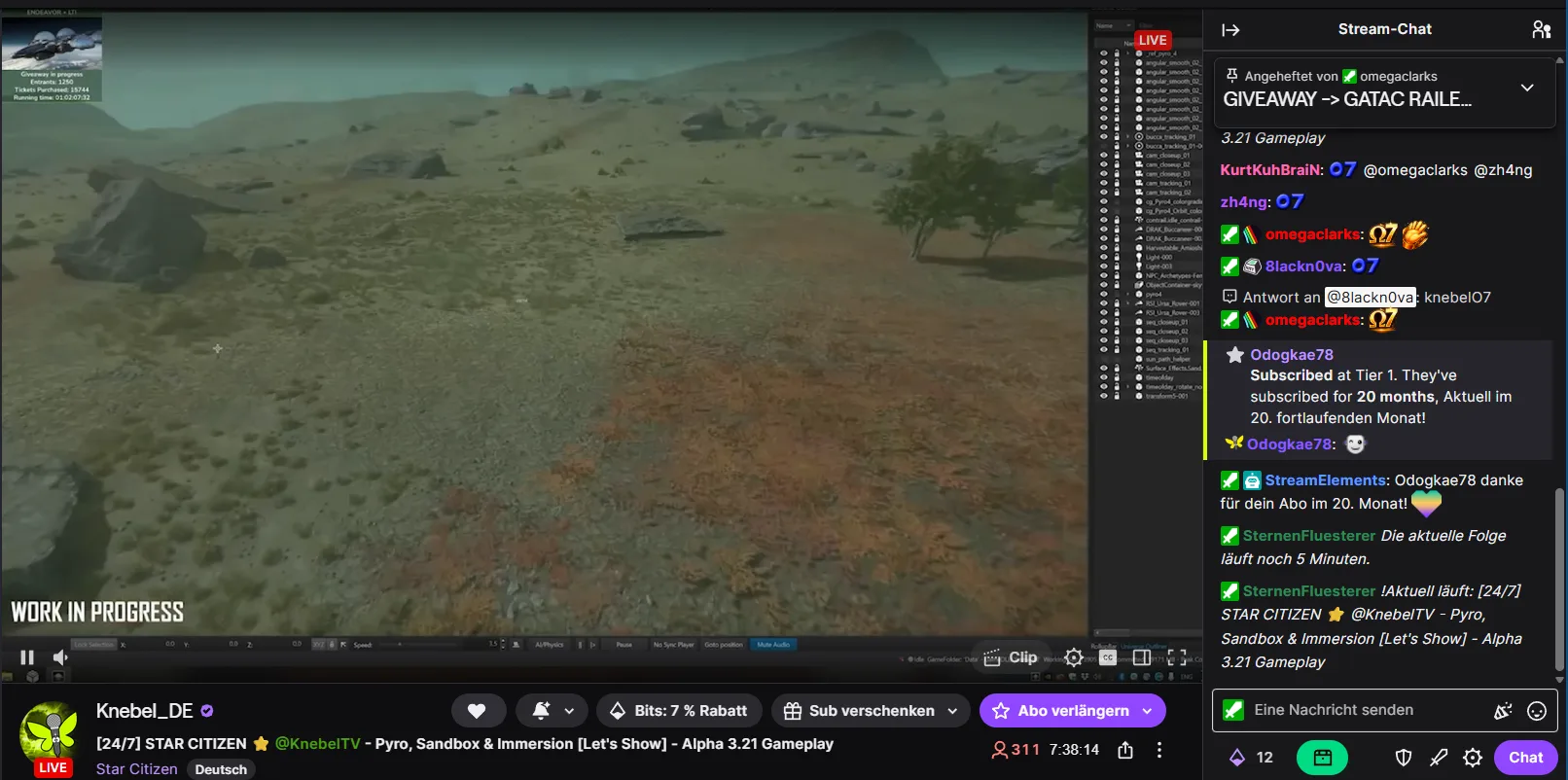
No empty marketing promise: the channel knebel_de runs 24/7 with OBSBot. There you can see rotating playlists, changing titles driven by the StreamElements command, community vote skip, and a bot that keeps working reliably even when problems occur.
visit twitch.tv/knebel_deShort answers on operation, control, and stability in 24/7 use.
Yes. Playlist rotation, monitoring, token refresh, and recovery are built specifically for stable 24/7 streams.
Yes. Status, commands, buttons, and operational interventions run through Discord without direct access to the streaming system.
OBSBot monitors critical states, reconnects services, refreshes tokens, and triggers recovery instead of letting the stream fail silently.
If your focus is stable continuous operation, OBS control, and recovery, this is your StreamWizard setup.
Use Discord to set up OBSBot
The aggregate rating shown is provided by Trustpilot and based on customer reviews published there. The authenticity of the reviews is checked by Trustpilot according to their procedures.